Collaboration is changing
Today's collaboration tools were designed around people. AI has largely been added around the edges: a chat box, a summary, a generated sticky note.
But agents increasingly do real work.
Canvas gives people, assistants and autonomous agents a shared visual workspace where they can contribute directly, understand context and work alongside each other. You can see what happened, who or what did it, and stay in control of what happens next.
What you can do today
Canvas is a production-ready visual collaboration platform and embeddable canvas, already powering collaborative work inside Gleo.
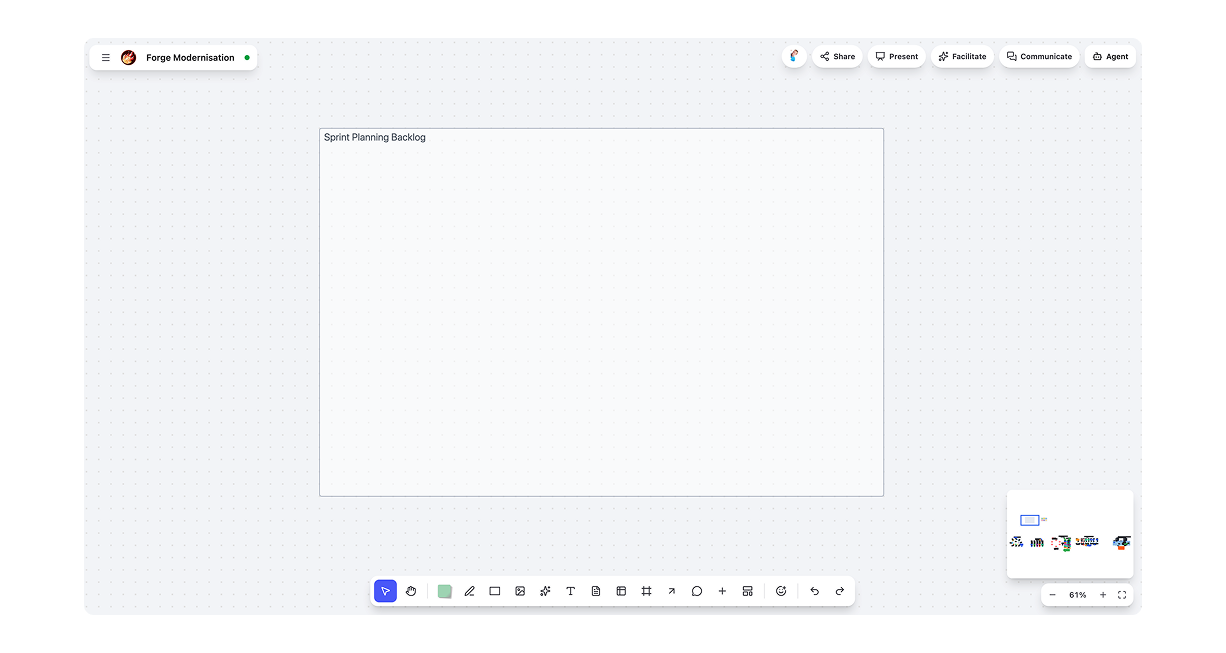
Bring everyone onto the same board
People and agents share one visual workspace. Collaborate in real time, leave comments in context and see who created or changed every object. Board history lets you move back through the work, understand how it evolved and recover earlier states when you need them.
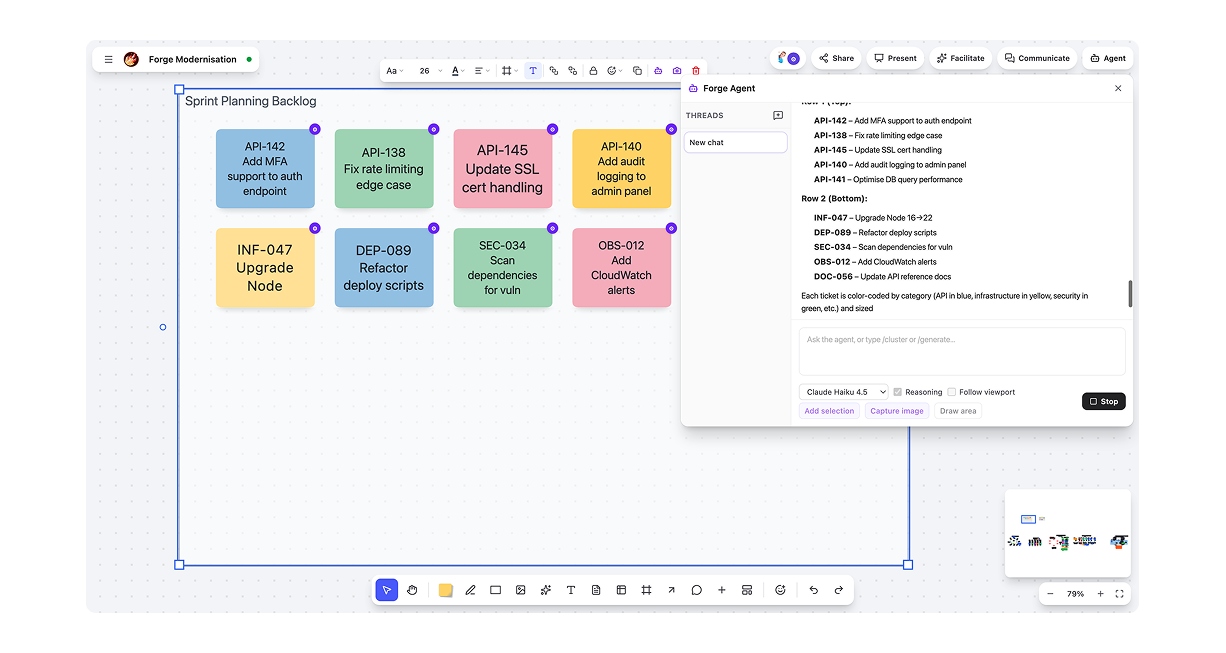
Work with agents as collaborators
Agents participate directly in the workspace rather than disappearing behind a chat interface. They can understand regions of the board, create and organise objects, synthesise information and contribute alongside the team. Review an agent's session, keep the result or undo the entire run. Connect agents through MCP using Cursor, Claude Desktop or your own agent stack.
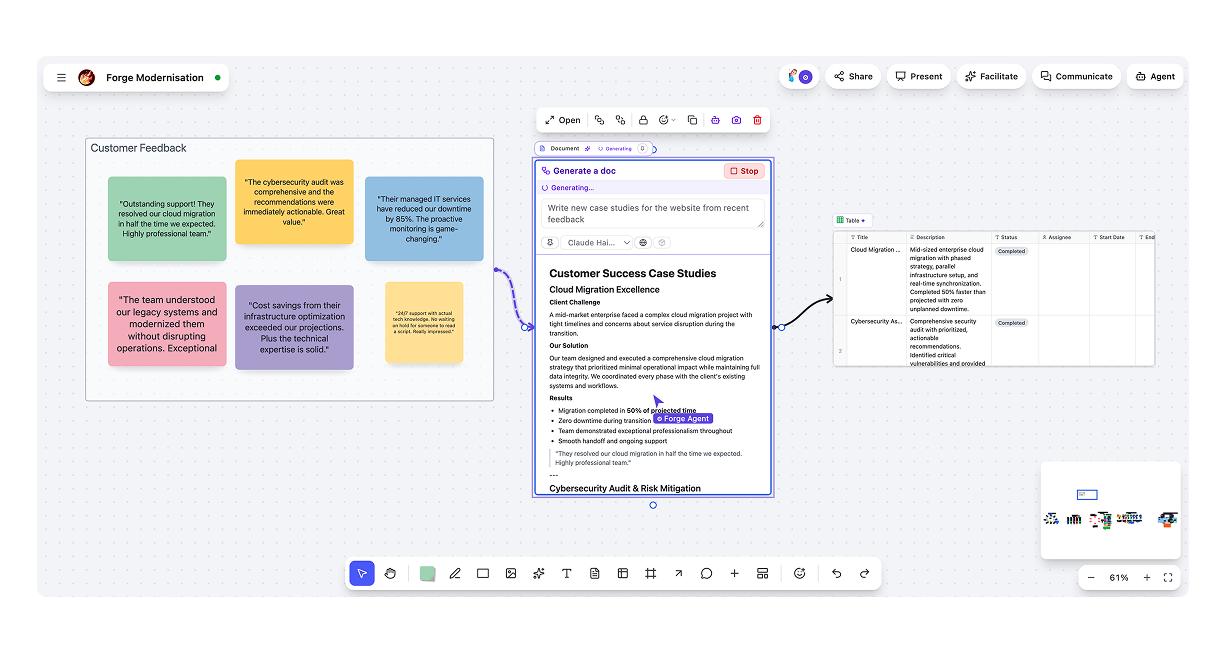
Turn thinking into work
The board doesn't have to stop at ideas. Connect stickies, cards, frames, tables and documents into flows that produce structured outputs and deliverables directly on the canvas. Follow progress as it happens and stop a run whenever human judgement is needed.
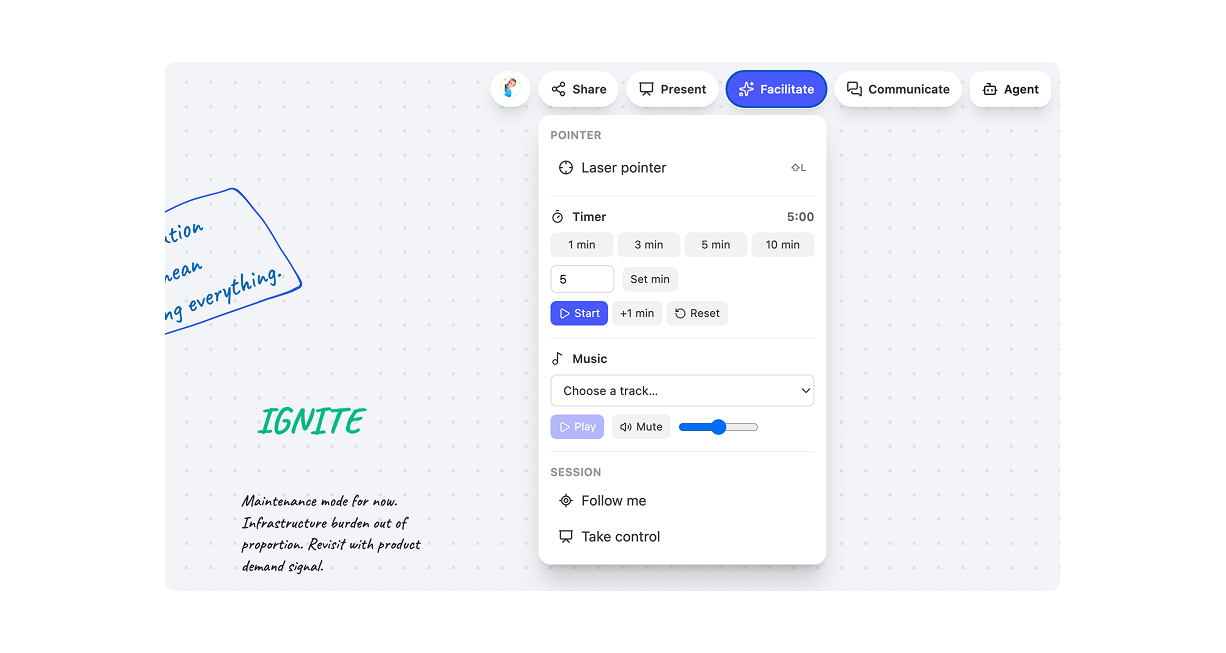
Run better collaborative sessions
Canvas includes the tools teams need to facilitate workshops, reviews and working sessions across physical and remote rooms. Guide participants with Follow Me, present directly from frames, keep sessions moving with timers and laser pointers, and switch the canvas around the activity at hand, from sketching and clustering to diagramming and decision-making.
Put Canvas inside your product
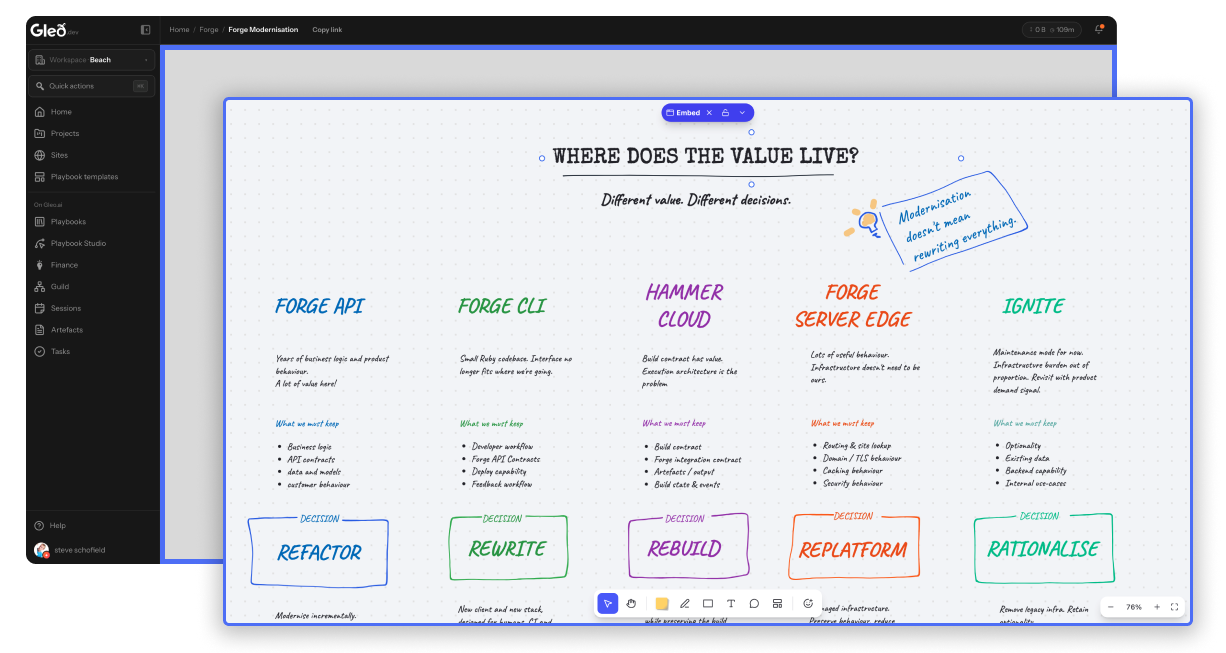
Canvas can be the collaborative surface inside a larger product rather than another destination users have to visit. Embed the board while your product owns the surrounding experience, including identity, workspaces, navigation and workflows. That's how Canvas works inside Gleo today, powering playbook activities, artefacts, embedded boards and reusable templates.
Already working in production
Canvas isn't a concept or prototype.
- Production-deployed API, realtime collaboration engine, web client and agent gateway
- Live Gleo integration across playbooks, activities, artefacts and embeds
- End-to-end agent workflows through MCP
- Session-level review and undo for agent activity
- Working Plugin SDK and reference plugins
- Open agent integration through MCP
- Cloud, on-prem and air-gapped deployment options
Built for boards that keep growing
Fast, even when the work gets complicated
Canvas runs on a custom WebGL rendering engine built for large, active workspaces. That matters when a canvas becomes more than a workshop artefact: when it holds organisational knowledge, spans large projects or has agents creating and updating objects at machine speed.
The result is a canvas designed to keep up with both human collaboration and agent-scale activity.
Open and extensible
Your canvas. Your tools. Your agents. Canvas isn't tied to a single AI provider, application shell or deployment model. Use it as a complete visual workspace or as infrastructure for collaborative experiences inside your own product.
Bring your own agents
Connect compatible AI clients and agent systems directly to Canvas through MCP. Agents can understand board context, work with regions and objects, create new content and leave attributable contributions alongside human work. Use Cursor, Claude Desktop or your own agent stack.






Build on the canvas
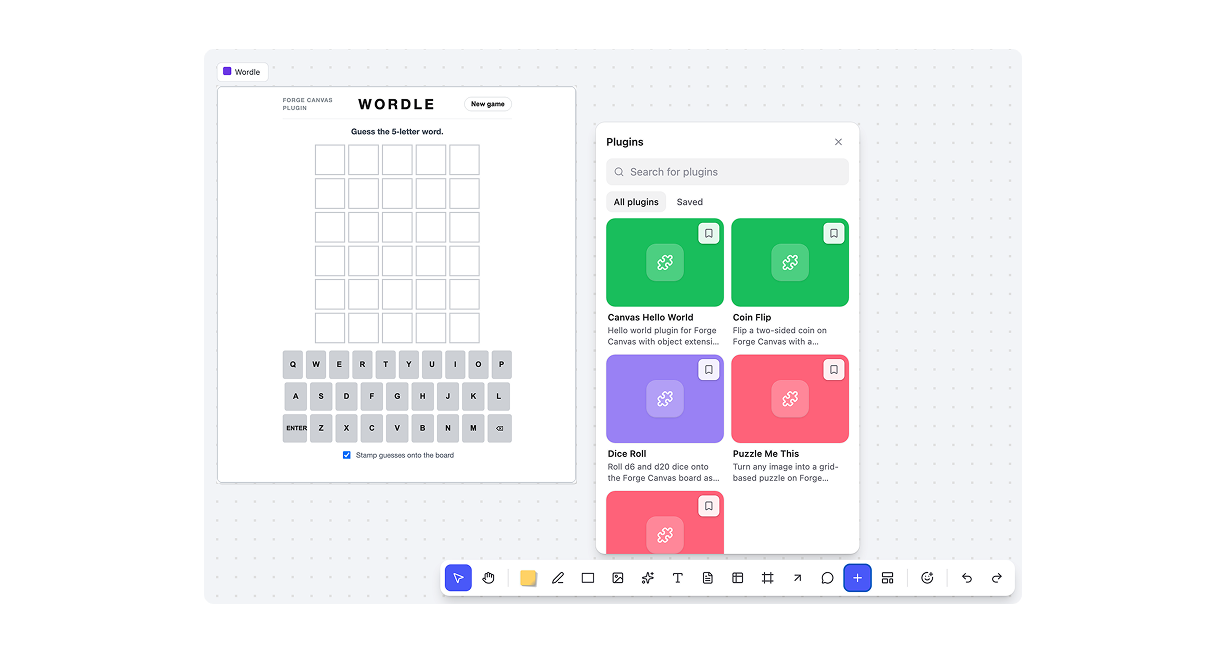
Extend Canvas with interactive objects, drawers and tools using the Plugin SDK. Create experiences that behave like native parts of the board while keeping control over which capabilities are available inside your product or workspace.
More than shapes
Our reference plugins demonstrate how complete interactive experiences can live directly on the canvas. Games, utilities and custom objects all use the same extension model available to third-party developers.
Turn good work into repeatable patterns
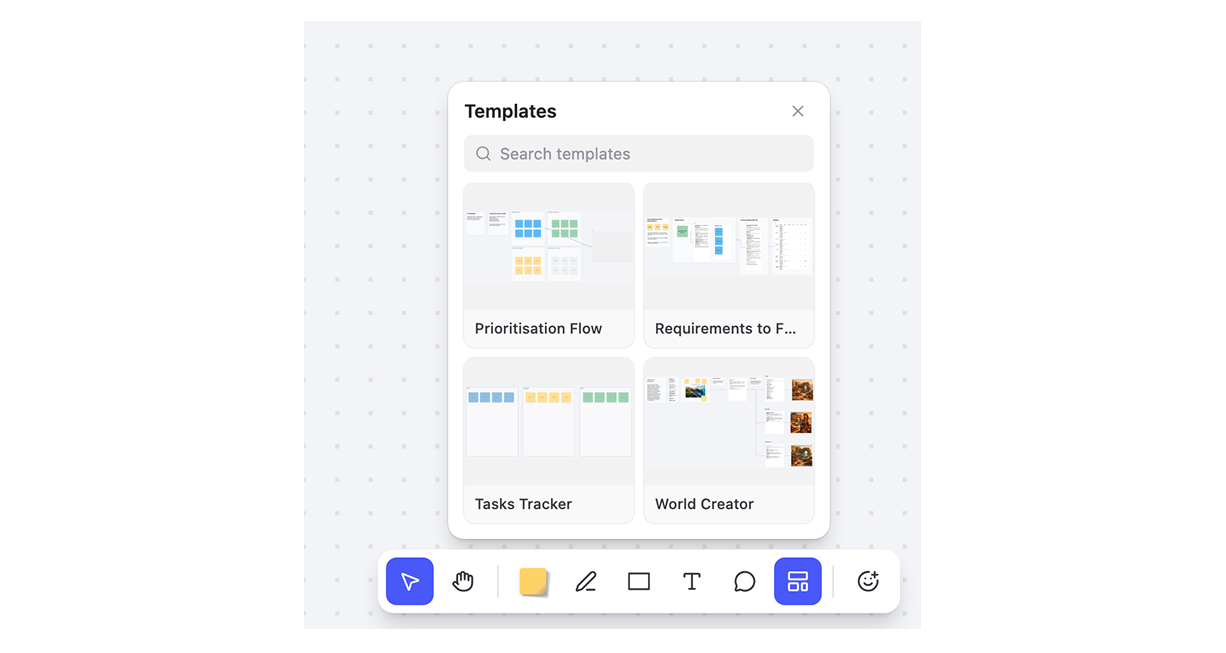
Capture useful objects and working patterns as reusable templates. Teams can build a shared catalogue while administrators control what gets published and made available across the organisation.
Deploy it your way
Cloud, on-prem or air-gapped
Choose where Canvas runs and how your agents connect. Deploy it within your own infrastructure when you need complete control, or use a Beach-managed environment with hosting, monitoring and support included. One Canvas platform, without maintaining separate product forks.
What's next
We're continuing to expand Canvas with richer embedded experiences, deeper integration with Forge, more structured objects, organisational memory and new ways for multiple agents to coordinate work.
Canvas is already live inside Gleo. As we open the platform to other products and teams, it will be available externally as Open Canvas.